
Think a virtual debit card is just a picture of plastic on your phone?
Not quite.
Virtual cards create real card numbers and use tokens so your actual account info never travels to merchants.
When you tap or type those numbers, the payment runs through Visa or Mastercard, your bank checks funds, and the charge posts, usually in seconds.
This post explains that simple flow step by step, why tokenization and changing CVV codes (the 3‑digit security number) cut fraud risk, and when a physical card still matters.
Understanding the Core Mechanics Behind Virtual Debit Cards

A virtual debit card generates a unique set of digital credentials (card number, expiration date, CVV) that live inside a mobile wallet or banking app instead of on plastic. When you tap your phone at a register or punch those digits into an online checkout form, the transaction runs through the same Visa or Mastercard networks that handle physical card payments. Funds get pulled from your linked bank account right away, just like swiping plastic. The difference? Everything happens digitally. No need to carry a card in your wallet.
Digital card fields replace the embossed numbers you’d find on a physical card. Your virtual debit card still needs a 16-digit number, a CVV, and an expiration date to work at checkout. The issuer spits out these fields when you request the card, and they work exactly like the numbers printed on plastic. The card sits in your phone or app, ready to use the second it’s issued.
When you shop online, you type the number, expiration, and CVV into the payment form. In person, you open your mobile wallet and tap your phone on a contactless terminal. The terminal reads an encrypted token (a stand-in for your real card number) through NFC. Either way, the merchant’s system sends the payment request to the card network, which checks with your bank to confirm you’ve got enough money and that the transaction doesn’t look sketchy.
Behind the scenes, authorization and settlement follow a standard path. The payment network gets the transaction, your bank approves or declines it based on your available balance and fraud rules, and the approved amount gets reserved instantly. Within one to three business days, the transaction settles and the reserved funds are fully deducted. Your account balance updates in real time on your app, so you always know what you’ve spent.
The workflow for a virtual debit card transaction looks like this:
You enter the card number and CVV online or tap your phone at an NFC terminal. The merchant system converts your card data into an encrypted token for security. The token and transaction details route to the payment network. The network forwards the request to your bank for authorization. Your bank checks your balance, applies fraud controls, and approves or declines the charge. Approved funds get deducted instantly, and your updated balance appears in your app.
These mechanics let the card work exactly like a physical card without ever being printed. The issuer never needs to mail plastic, and you never need to wait for delivery or worry about a card sitting in your mailbox.
Virtual Debit Card Setup Steps and Account Linking Basics

Getting a virtual debit card starts with linking it to an existing bank account. Most banks and fintech apps let you request a virtual card directly inside their mobile app or online banking portal. During setup, you might need to verify your identity through KYC steps (uploading a photo ID, confirming your Social Security number, answering security questions). Some employer payroll platforms issue virtual cards as part of onboarding, automatically linking them to your direct deposit account.
Once your identity is confirmed and your bank account is connected, the issuer generates the virtual card instantly. You’ll see the 16-digit number, expiration date, and CVV appear on screen. From there, you activate the card by following the prompts in the app (usually a single tap or confirmation button). After activation, you add the card to a mobile wallet like Apple Pay or Google Pay by scanning the card image or entering the details manually. The wallet verifies the card with a text code or app notification. Setup complete.
The full sequence typically follows five steps:
Connect your bank account or verify it’s already linked through your employer or app. Complete identity verification if required by the issuer. Generate the virtual debit card number inside the app or portal. Activate the card by confirming on-screen prompts or security checks. Add the card to your mobile wallet or save it in the banking app for immediate use.
After activation, the card is ready for online checkout or NFC payments at any contactless-enabled merchant. You don’t need to wait for mail, visit a branch, or take any extra steps. The card exists entirely in digital form, and you can start using it the moment the number appears in your app.
Security Features That Make Virtual Debit Cards Safer

Virtual debit cards cut down fraud exposure by replacing static card numbers with dynamic tokens and encrypted data. When you tap your phone at a terminal, the merchant never sees your real card number. Only a one-time-use token that expires after the transaction. This tokenization process makes it nearly impossible for hackers to capture usable card data from a merchant’s system. Even if a retailer’s payment database gets breached, the stolen tokens are worthless.
Some issuers go further by generating dynamic CVV codes that change with each transaction or expire after a set time. Device-level authentication adds another layer. Your phone requires a fingerprint, face scan, or PIN before the virtual card can be used. These protections mean that even if someone steals your phone, they can’t make a payment without unlocking it first. Real-time transaction alerts in your app let you catch fraud within seconds and freeze or delete the card instantly.
Specific controls available with virtual debit cards:
No physical card to lose, steal, or skim at a compromised ATM or gas pump. Single-use card numbers that expire after one transaction, perfect for one-time purchases. Temporary cards with a set expiration date, reducing risk for free trials or short-term subscriptions. Spending limits by dollar amount, preventing unauthorized charges above a threshold you set. Merchant-specific restrictions that lock the card to a single vendor, blocking use anywhere else. Instant deactivation from your app, shutting down the card in seconds if you suspect fraud. Real-time transaction monitoring, with push notifications for every charge. Encrypted storage in mobile wallets, protected by the same security that guards your phone’s operating system.
Together, these features make virtual debit cards one of the safest ways to pay online or in person. You control the card’s lifespan, spending power, and accepted merchants. You can kill it instantly if something looks wrong. Physical cards can’t match that level of control.
How Virtual Debit Card Transactions Are Processed Online and In‑Store

When you shop online, you enter the virtual card number, expiration date, and CVV at checkout exactly the way you would with a plastic card. The merchant’s payment gateway sends those details to the card network, which checks with your bank. If your account has enough money and the transaction passes fraud filters, the network approves the charge and your bank debits the amount immediately. The confirmation appears in your app within seconds, and the merchant ships your order.
For in-person payments, you open your mobile wallet and hold your phone near the contactless terminal. The terminal reads an NFC signal from your phone, which sends a tokenized version of your card number. The token routes through the same Visa or Mastercard network, gets authorized by your bank, and the payment completes in under two seconds. The screen shows “approved,” and your phone may vibrate or display a checkmark. Not all merchants have NFC-enabled terminals, so you may need to read the card number aloud or enter it manually at some smaller or older retailers.
Recurring payments and subscriptions work by storing your virtual card details in the merchant’s billing system. When the next payment is due (say, a monthly streaming service), the merchant automatically charges the saved card number. Your bank processes it as a standard transaction, debits your account, and you see the charge in your app. If you delete the virtual card or let it expire, the subscription payment will fail, giving you an easy way to cancel services without calling customer support.
The basic payment routing workflow looks like this:
You tap your phone or enter the card number at checkout. The merchant system encrypts the data and sends it to the payment network. The network routes the authorization request to your issuing bank. Your bank checks your balance, applies fraud rules, and approves or declines the transaction. Approved funds are deducted instantly, and both you and the merchant get confirmation.
This process is identical for virtual and physical cards. The only difference is where the card number lives (on your phone instead of in your wallet).
Comparing Virtual Debit Cards and Physical Cards
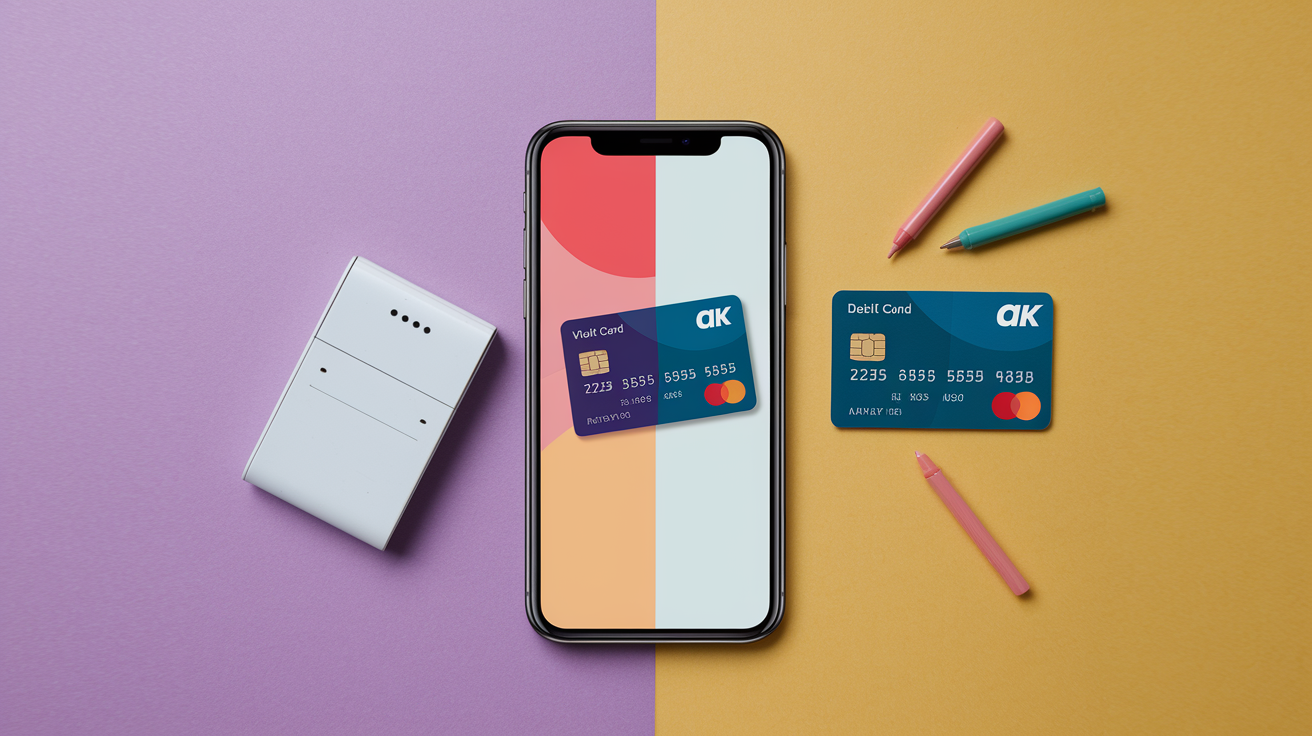
Virtual and physical debit cards pull money from the same bank account and work on the same payment networks, but they differ in how you carry and control them. A virtual card exists only as a set of numbers in an app, while a physical card is a piece of plastic you can hand to a cashier or swipe at any terminal. Each has clear strengths and limitations depending on where and how you pay.
| Type | Key Strength | Key Limitation |
|---|---|---|
| Virtual Debit Card | Instant issuance, granular spending controls, no physical theft risk, better privacy through tokenization | Requires a smartphone and mobile wallet; not accepted at all in-person terminals (especially older or non-NFC merchants) |
| Physical Debit Card | Universal acceptance at ATMs, gas pumps, and any point-of-sale terminal; works without a phone or internet connection | Can be lost, stolen, or skimmed; slower to replace; card number is static and easier to steal in a data breach |
Virtual cards are perfect when you want fast, secure payments for online shopping, subscriptions, or contactless in-person purchases at modern retailers. They let you create multiple cards for different purposes (one for groceries, another for a gym membership) and delete any card instantly if a merchant’s system gets hacked. Physical cards remain essential when you need to withdraw cash, pay at a merchant without NFC support, or use a card in a situation where your phone is dead or unavailable. Most people benefit from carrying both: a physical card as the universal backup and a virtual card for tighter control and faster digital payments.
Use Cases for Virtual Debit Cards From Daily Spending to Business Controls

Virtual debit cards fit a wide range of personal and business payment needs. For individuals, they’re useful for online shopping, managing subscriptions, and protecting your main account number when buying from unfamiliar websites. You can generate a single-use card for a one-time purchase, then delete it right after the transaction clears. That way, even if the merchant suffers a data breach months later, your card number is already invalid. Freelancers and gig workers use virtual cards to separate business expenses from personal spending without opening a second bank account.
Businesses rely on virtual cards to control employee spending, pay vendors, and streamline procurement. A company can issue a virtual card to a new employee on their first day, set a monthly spending cap, and restrict the card to specific merchant categories like office supplies or software subscriptions. Distributed teams use virtual cards to pay for tools and services without sharing a single corporate card number across dozens of people. Early-stage startups and small businesses appreciate the instant issuance (no waiting for plastic to arrive in the mail) and the ability to create, pause, or delete cards in real time as team needs change.
Common scenarios where virtual debit cards add value:
Managing subscription services by assigning one virtual card per subscription, making it easy to cancel by deleting the card. Protecting your main debit card number when signing up for free trials that require payment details. Paying online vendors or freelancers with a card that expires after the invoice is settled. Onboarding remote employees instantly with a funded virtual card on day one. Setting per-employee or per-department spending limits to control budgets without manual reimbursement. Issuing single-use cards for one-off purchases, eliminating the risk of recurring or unauthorized charges. Giving students or dependents a virtual card with strict spending controls instead of a shared physical card.
Whether you’re an individual trying to dodge subscription traps or a business managing dozens of vendor payments, virtual cards give you control, speed, and transparency that physical cards can’t match.
Limitations and Known Drawbacks of Virtual Debit Cards
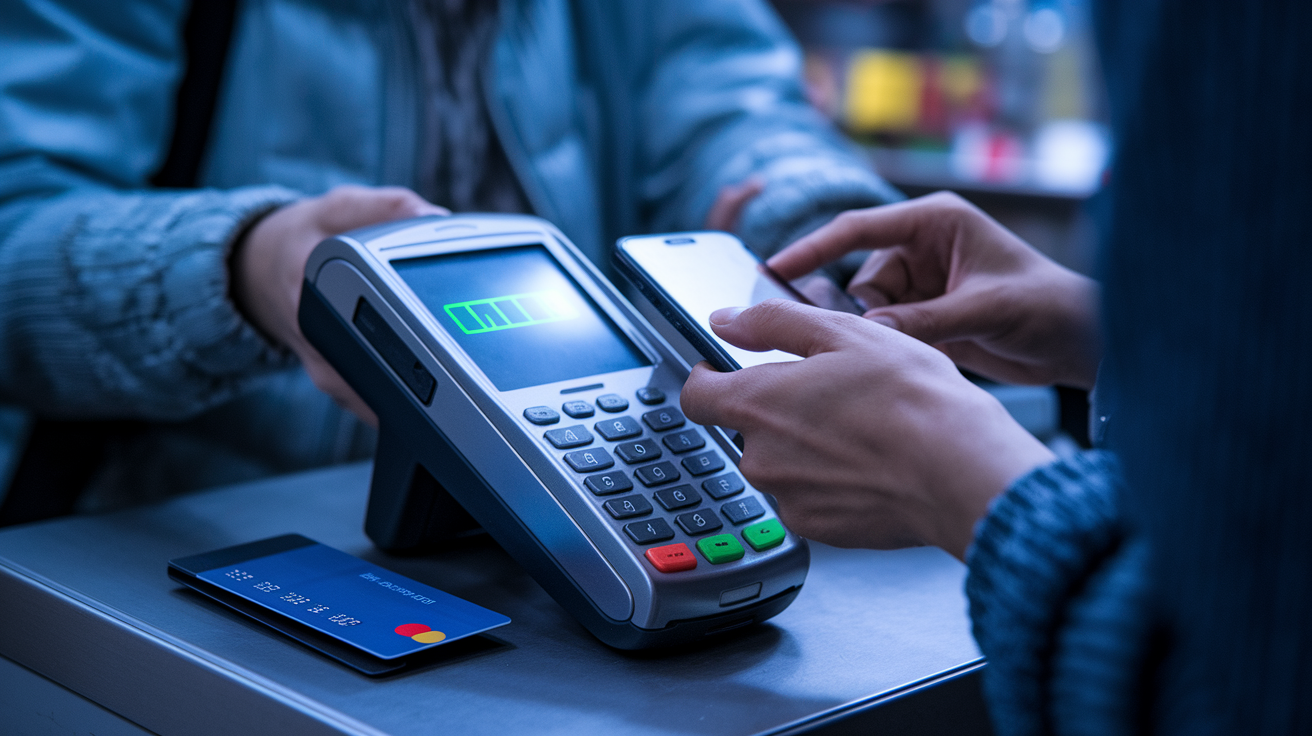
Virtual debit cards work great online and at contactless-enabled merchants, but they fall short in situations where a physical card is still the norm. Many smaller retailers, gas pumps, and ATMs don’t support NFC payments, so you can’t tap your phone to pay. Some merchants that do accept contactless still require you to insert a physical card for certain transaction types, like returns or age-verified purchases. If your phone battery dies or you forget your device, you’re stuck. You can’t hand over a card number you don’t have written down.
Refunds can get more complicated with virtual cards, especially if you used a single-use or temporary card that has already expired. When a merchant processes a refund, they send the money back to the original card number. If that number no longer exists, the refund may get delayed or require you to contact customer support and provide transaction receipts. Some issuers automatically route expired-card refunds to your main account, but that process isn’t universal.
Other practical limitations:
Device dependence. You need a smartphone, tablet, or computer to access and use the card. Acceptance gaps at merchants without contactless terminals or those that require physical card insertion. Potential transaction fees or account minimums with some issuers, though many programs are free. Funding constraints with certain virtual card types that require you to load an exact amount before each purchase, rather than pulling from your full account balance.
Virtual debit cards are a powerful tool, but they don’t replace physical cards in every scenario. Most users keep a physical card as a backup for the times when virtual won’t work.
Virtual Debit Card Workflow Diagram and Lifecycle Overview
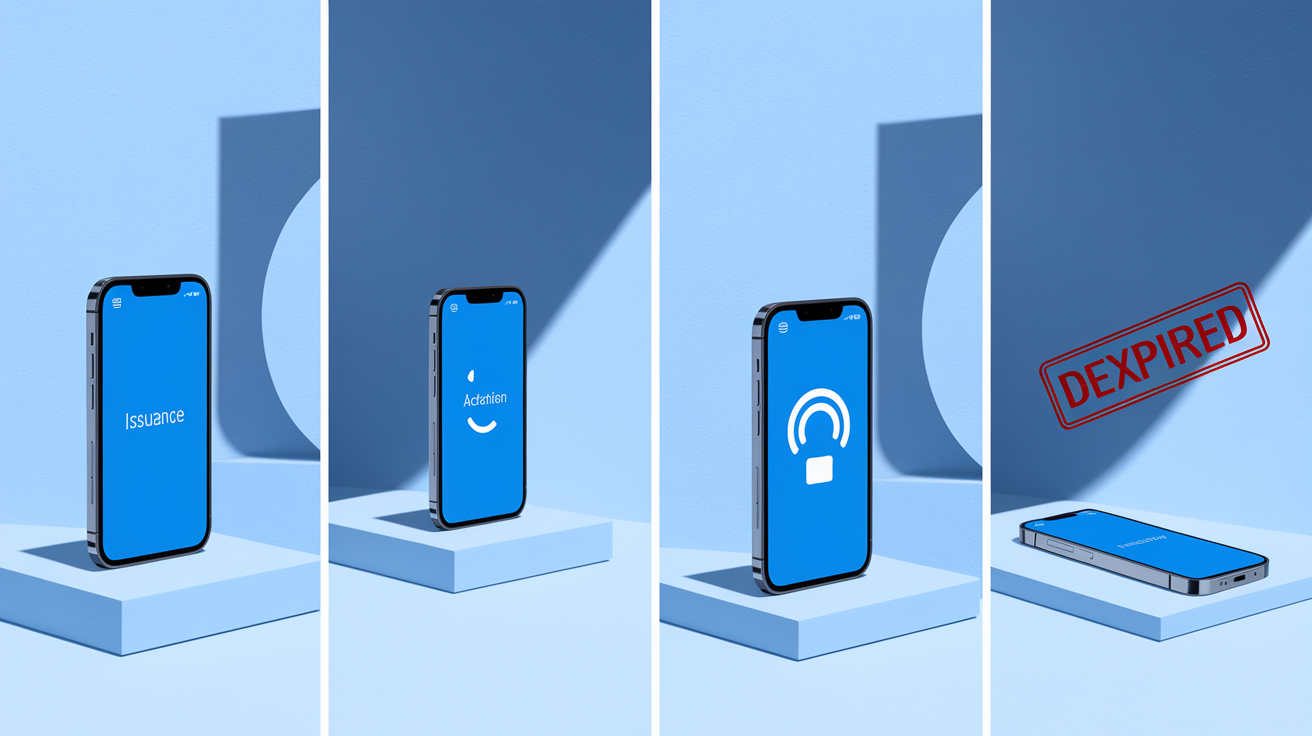
A virtual debit card moves through a predictable lifecycle from the moment it’s issued until it expires or you delete it. Understanding each stage helps you manage the card effectively and know when to create, pause, or retire a card. The lifecycle includes issuance, activation, everyday use, and eventual deactivation (either automatically when the card expires or manually when you no longer need it).
The full lifecycle follows these steps:
Your bank or app issues the virtual card and generates a unique 16-digit number, expiration date, and CVV. You activate the card through on-screen prompts, verifying your identity or device. You add the card to a mobile wallet or save it in your banking app. You use the card for online purchases by entering the card details at checkout, or for in-person payments by tapping your phone at an NFC terminal. The payment network authorizes the transaction by checking your account balance and fraud rules. Your bank debits the approved amount from your linked account in real time, and you see the updated balance in your app. The transaction settles within one to three business days, finalizing the deduction. The card expires on its set expiration date, or you manually delete or freeze it from your app, ending its lifecycle.
Some programs support automated resets, where a card regenerates with a new number and expiration after the old one expires, keeping your recurring payments uninterrupted. Others require you to issue a new card manually each time. Either way, the lifecycle gives you control at every stage. You decide when the card starts, how it’s used, and when it stops working.
Final Words
In the action, we showed how a virtual debit card starts with a tap or typed number, gets tokenized, travels the Visa/Mastercard rails, and deducts funds in real time.
We also covered setup, device and KYC basics, the security tools that cut fraud, common use cases, and the main limits like acceptance and refunds.
If you still wonder how do virtual debit cards work, think: digital card fields + tokenization + network authorization = real payments without plastic. They’re a handy, safer option for many everyday buys.
FAQ
Q: What is the disadvantage of a virtual debit card?
A: The main disadvantage of a virtual debit card is limited in‑person acceptance and device dependence, which can cause refund delays, merchant incompatibility, and problems when a physical card or PIN is required.
Q: How do I pay with a virtual debit card?
A: To pay with a virtual debit card, enter its card number, expiration date, and CVV at online checkout or add it to your mobile wallet and tap a contactless terminal that accepts NFC.
Q: Can you use a virtual debit card in stores?
A: You can use a virtual debit card in stores if you add it to a mobile wallet and the terminal accepts contactless/NFC; otherwise some merchants require a physical card, so acceptance isn’t universal.
Q: What is the point of a virtual debit card?
A: The point of a virtual debit card is to provide instant digital card numbers that reduce fraud, give spending controls, simplify subscriptions, and let you pay online or via mobile without carrying plastic.
