
Think your fingerprint is a magic key?
Not quite.
When you tap to open your bank app, biometrics compress a multi-step security check into a single tap or glance.
This intro explains how sensors capture your trait, how software turns it into an encrypted template, how secure chips keep templates and run on-device matching, and how banks set match thresholds and fallbacks like PINs.
By the end you’ll know the real protections, common failure points, and when you should trust biometrics—or not.
Core Technical Breakdown of Biometric Logins in Banking Apps
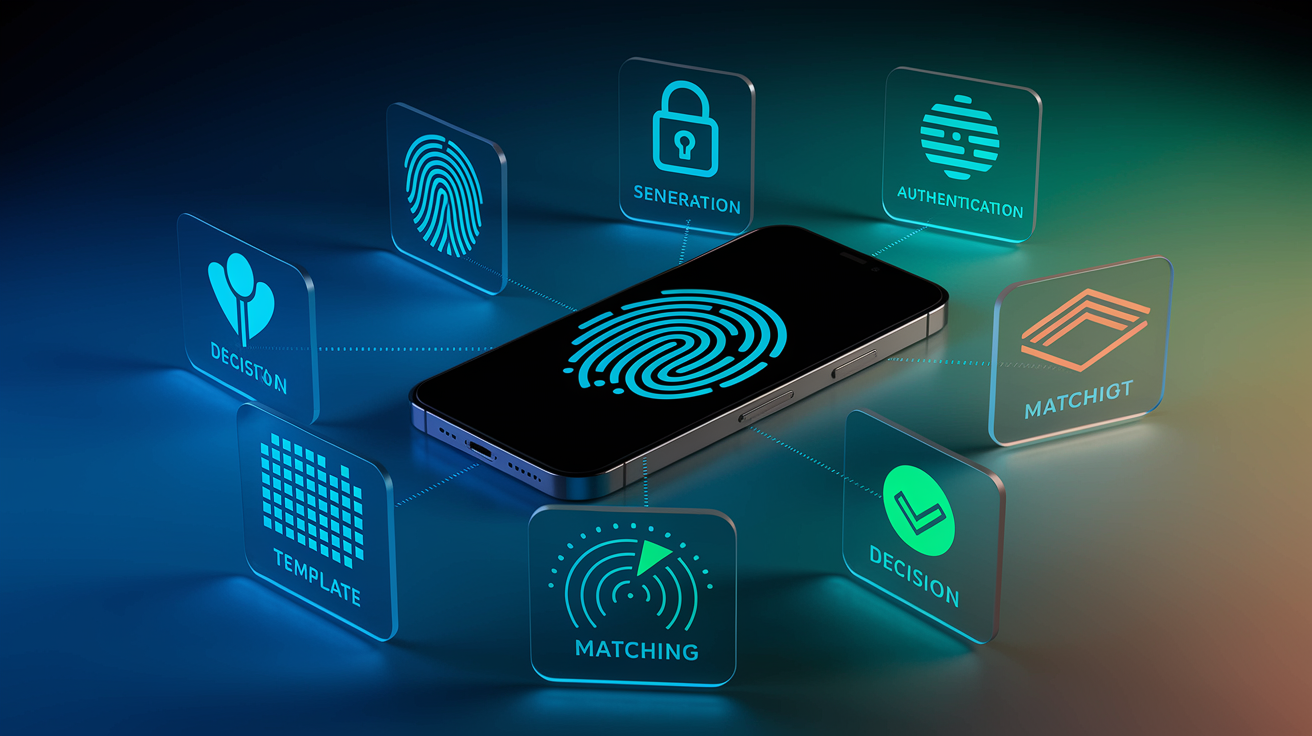
When you tap your phone to open your banking app, biometric authentication wraps up a multi-step verification sequence in under a second. It starts with enrollment. The first time you flip on biometrics, the app grabs a reference sample of your fingerprint, face, or whatever trait you’re using. That raw data gets converted immediately into a mathematical template, basically a compact snapshot of unique features pulled out by algorithms. The system stores that template securely, either on your device or in a protected server environment linked to your KYC identity record.
Authentication happens every time you log in. Your phone captures a fresh sample of the same trait. Your fingerprint pressed to the sensor, or your face scanned by the front camera. The app converts that new scan into a temporary template using the same feature-extraction algorithm, then runs a comparison against the stored reference. The comparison engine spits out a match score, a numerical confidence level that the two templates represent the same person. If the score crosses the bank’s preset threshold, the system grants access. Falls short? You see a “try again” prompt or a fallback request for your PIN.
The complete biometric login flow follows six steps:
- Enrollment: Capture the reference trait and convert it into a template during account setup or feature activation.
- Storage: Encrypt and store the template in a hardware-backed secure zone or protected server database.
- Authentication capture: Capture a fresh sample each time the user attempts to log in or approve a transaction.
- Template generation: Convert the fresh sample into a temporary feature set using the same extraction algorithm.
- Matching: Compare the fresh template to the stored reference and calculate a match score.
- Decision: Grant or deny access based on the score threshold, and trigger additional factors (such as an SMS one-time password) if the action is high-risk.
Templates are stored in non-reversible formats that prevent recovery of the original image or recording. The storage layer uses encryption and hardware isolation to protect templates from unauthorized access, keeping the reference data separate from application code and network-accessible memory.
Biometric Capture Methods Used in Banking Apps
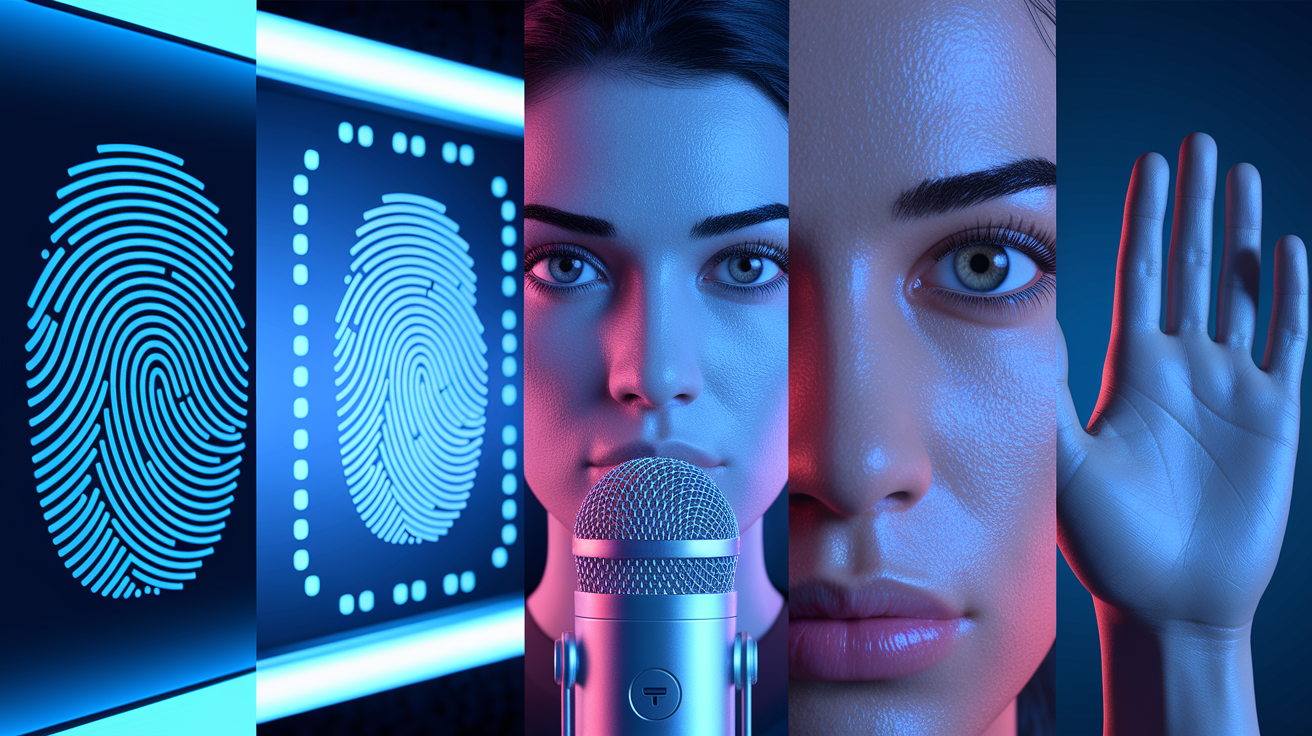
Banking apps rely on five primary biometric modalities. Each with a distinct capture mechanism and sensor requirement.
-
Fingerprint: Capacitive or optical sensors embedded in phones or USB readers capture the ridge and valley pattern of a fingertip. The sensor creates a high-resolution image of the fingerprint surface, then extracts minutiae points (ridge endings, bifurcations, and loops) that form the template. Fingerprint authentication is fast and widely supported. But it requires a clean, dry finger and a functioning sensor. Environmental factors like moisture, dirt, or sensor wear can tank accuracy.
-
Facial recognition: The front-facing camera captures a selfie image, while structured-light or depth sensors (on newer phones) add three-dimensional contour data. The algorithm extracts facial landmarks: eye spacing, nose shape, jawline geometry, and cheekbone position, creating a feature vector. Some systems also require a government-issued ID photo during enrollment, letting the bank confirm that the live face matches the document image. Facial recognition is convenient and hands-free. Lighting conditions, glasses, masks, and camera quality affect capture success. Somewhere around 15 to 20 percent of U.S. financial institutions now use selfie-based identity verification.
-
Iris: Infrared illumination lights the iris, and a specialized camera captures the unique texture and ring patterns. The template encodes the radial furrows, crypts, and pigmentation variations visible in the iris structure. Iris scanning delivers very high accuracy and is resistant to spoofing, but requires the user to hold the phone at a specific distance and angle. A major bank launched iris mobile access in 2017 as a pilot for high-assurance login.
-
Voice: During a call or voice-command interaction, the microphone records a short speech sample. The voice engine analyzes pitch, tone, cadence, and phonetic patterns to create a voiceprint—a statistical model of the speaker’s unique vocal characteristics. Voice authentication is useful for call-center verification and conversational banking. Background noise, colds, and voice-altering conditions reduce reliability. Banks layer anti-replay detection to block recorded or synthesized audio.
-
Behavioral biometrics: Accelerometers, gyroscopes, touch sensors, and usage logs capture how the user holds the phone, types, swipes, scrolls, and navigates the app. Machine-learning models analyze thousands of micro-behaviors (pressure patterns, typing rhythm, device angle, swipe velocity) to build a behavioral baseline. Behavioral authentication runs continuously and passively, flagging anomalies without interrupting the session. It’s great at detecting account takeovers and bot-driven fraud, but requires training data and can produce false positives if the user changes devices or input methods.
Sensor reliability varies by environment and hardware. Fingerprint sensors fail in wet or dirty conditions. Facial recognition struggles in low light or with heavy makeup. Iris scanners demand precise positioning. Voice systems are vulnerable to noise. Behavioral models need stable usage contexts to avoid drift. Banks that combine multiple modalities reduce the impact of any single sensor’s limitations and improve overall match rates.
Template Creation and Biometric Matching Algorithms
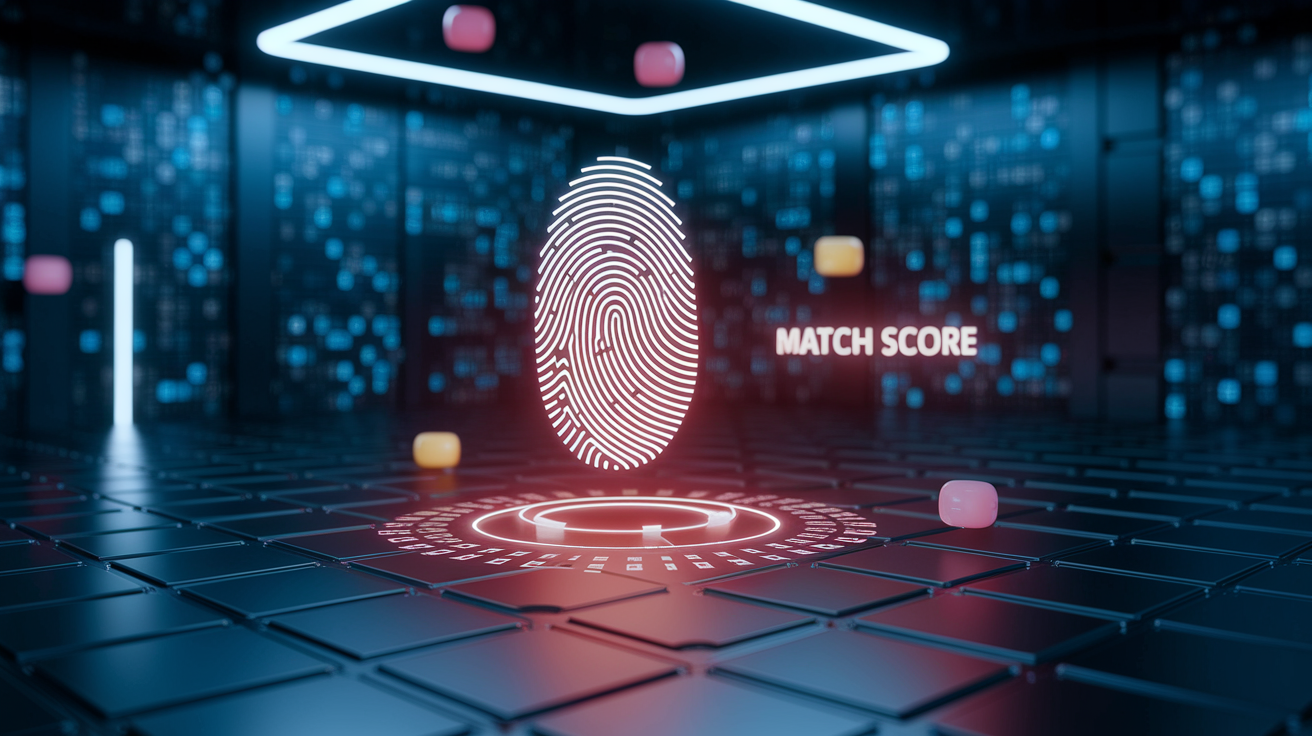
Templateization converts the raw biometric sample into a compact, standardized data structure that algorithms can compare efficiently. A fingerprint template might encode the position and angle of 30 to 60 minutiae points. A face template stores the coordinates and relationships of 50 to 100 facial landmarks. An iris template maps the radial and angular positions of texture features across the iris surface. In each case, the algorithm discards the original image or recording, retaining only the mathematical representation of distinguishing features.
When you attempt to log in, the system generates a fresh template from your new scan and passes both templates (stored reference and fresh capture) into a matching algorithm. The matcher calculates a similarity score, typically a number between 0 and 100 or a probability between 0.0 and 1.0, representing the likelihood that both templates came from the same person. The bank sets a decision threshold: scores above the threshold grant access, scores below deny it. The threshold balances two error rates. False acceptance, when an imposter is mistakenly approved. And false rejection, when a legitimate user is incorrectly denied. Lowering the threshold makes login easier but increases the risk of accepting an attacker. Raising the threshold improves security but frustrates users who must retry or fall back to a PIN.
| Metric | Description | Impact |
|---|---|---|
| False Acceptance Rate (FAR) | Percentage of unauthorized users incorrectly matched to a stored template | Higher FAR increases fraud risk; banks tune thresholds to keep FAR below 0.01% for sensitive actions |
| False Rejection Rate (FRR) | Percentage of legitimate users incorrectly denied due to template mismatch | Higher FRR frustrates customers and drives fallback authentication; acceptable range is 1–3% for login |
| Match Score Threshold | Minimum similarity score required to approve authentication | Adjusting the threshold shifts the FAR/FRR trade-off; banks often use adaptive thresholds based on transaction risk |
Secure Storage of Biometric Templates in Banking Apps
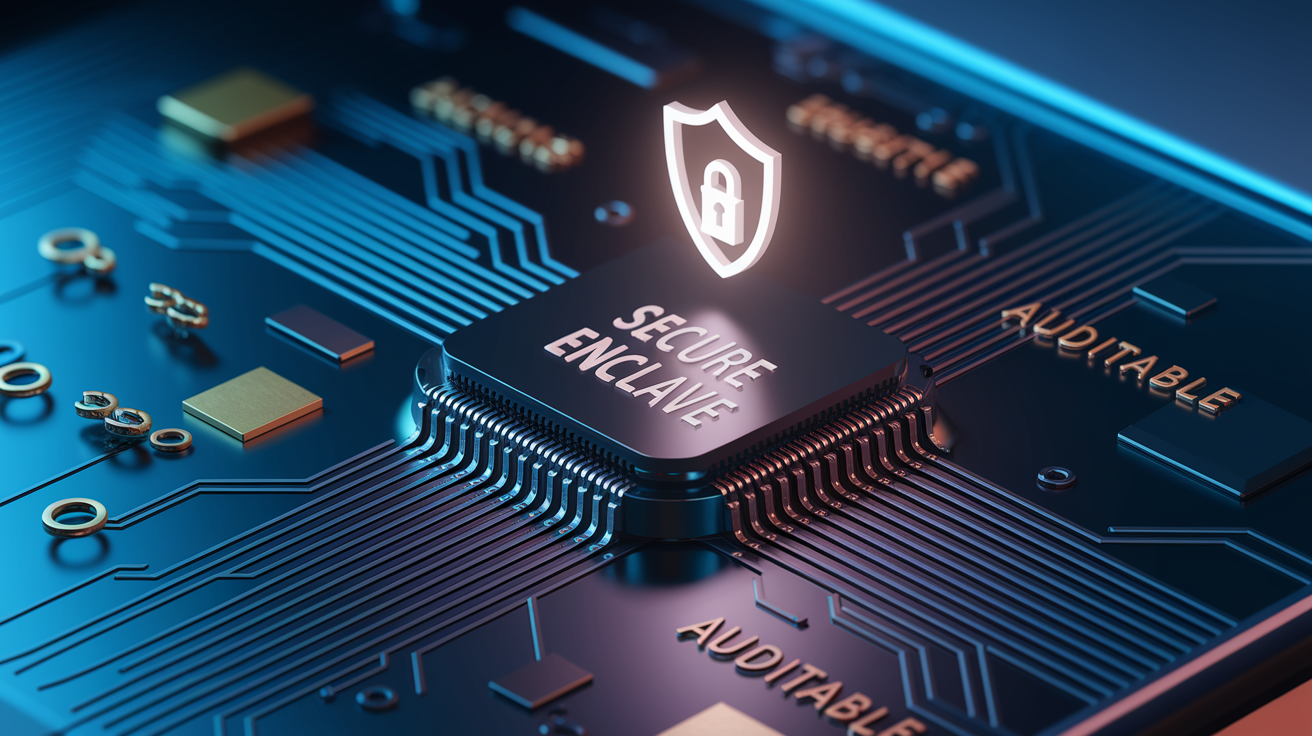
Banking apps store biometric templates inside hardware-backed secure zones that isolate sensitive data from the operating system and application layer. On modern smartphones, the Secure Enclave (Apple), Trusted Execution Environment (Android), or Trusted Platform Module handles template storage and matching operations. These chips maintain their own encrypted memory, separate processors, and cryptographic key stores. When you enroll a fingerprint or face, the template never leaves the secure zone. The operating system can’t read the raw template, and apps request only a yes-or-no authentication result, not the template itself.
Template encryption adds a second layer of protection. The secure chip generates a device-unique encryption key during manufacturing, then uses that key to encrypt every biometric template stored locally. Even if an attacker extracts the encrypted template file from device memory, decryption requires the hardware key that never leaves the chip. This design prevents reverse-engineering of templates and blocks attempts to transplant a stolen template onto another device.
The Secure Enclave and similar hardware perform four key roles in biometric authentication:
- Template isolation: Store templates in encrypted memory inaccessible to the main CPU, operating system, or third-party apps.
- On-chip matching: Run the comparison algorithm inside the secure zone, returning only a binary pass/fail signal to the banking app.
- Cryptographic key binding: Tie biometric verification to the release of cryptographic keys used for transaction signing or data decryption, so that sensitive operations require both the correct template and the correct device.
- Audit logging: Record authentication attempts, match scores, and failure reasons in tamper-resistant logs that support fraud investigation and compliance reporting.
Banks avoid transmitting raw biometric data across networks. When server-side matching is required (such as comparing a live face scan to the KYC enrollment photo stored in the bank’s identity database), the app sends only the encrypted template or a derived cryptographic token, never the original image. This design minimizes the attack surface and reduces the consequences of a network breach.
Device-Bound vs Server-Side Biometric Matching
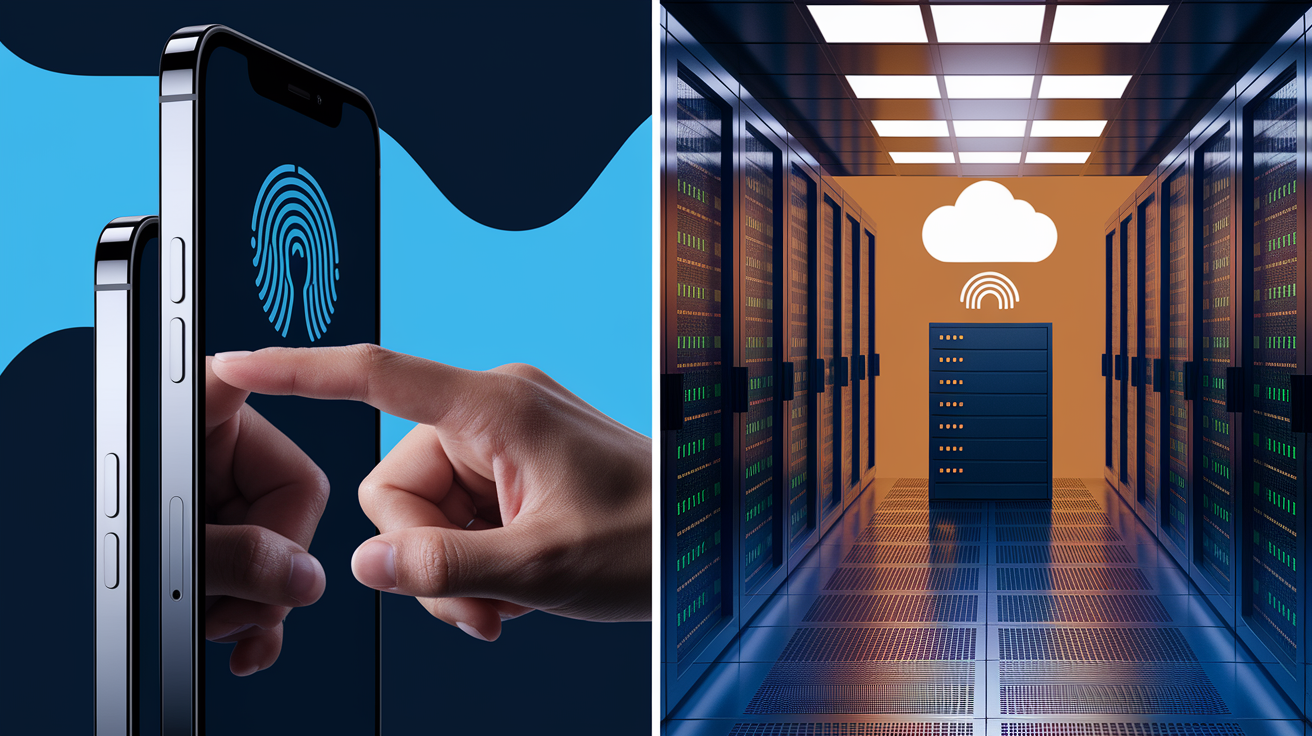
Device-bound biometrics, such as Apple FaceID or Android fingerprint unlock, store and verify templates entirely on the user’s phone. The banking app requests authentication through the operating system API, and the secure hardware returns a yes-or-no answer. This architecture is fast, private, and works offline. But it proves only that someone unlocked the device. It doesn’t verify that the current user matches the bank’s KYC identity record. Device-bound biometrics depend on the device PIN or password. If an attacker knows your PIN or gains temporary access to your unlocked phone, they can enroll their own face or fingerprint and bypass the biometric check. For this reason, device-bound biometrics are considered a convenience feature suitable for low-risk actions like viewing account balances, but insufficient for high-value transactions or account changes.
Server-side matching compares the live biometric scan to a reference template stored in the bank’s identity database, typically captured during the KYC enrollment process when the customer opened the account. When you log in or approve a payment, the app captures your face or fingerprint, converts it into a template, encrypts the template, and sends it to the bank’s authentication server. The server decrypts the template, retrieves your KYC reference from secure storage, calculates a match score, and returns an approval or denial. This flow proves inherence, that the person using the app right now is the same person who passed identity verification. Server-side matching is required for account opening, large transfers, and any action where the bank must confirm the user’s legal identity.
Server-side architectures split into two models:
-
Centralized storage: The bank stores all customer biometric templates, hashed or encrypted, in a single cloud database. This approach simplifies template management and enables cross-channel verification (the same reference can be used for mobile, web, call center, and branch). The risk is a single point of failure. If the database is breached, every customer template is exposed. Even hashed or encrypted templates can be reverse-engineered with sufficient computing power or leaked encryption keys, creating major privacy and compliance liability.
-
Decentralized or zero-knowledge models: The system generates a cryptographic key pair derived from the user’s biometric and device. The private key stays on the device, never transmitted or stored on the server. The public key is stored in the bank’s database. During authentication, the device uses the biometric input and private key to sign a challenge message, and the server verifies the signature using the public key. If the server is compromised, attackers gain only public keys, which can’t be used to reconstruct the biometric trait or impersonate the user. This model preserves privacy and eliminates the risk of mass template theft.
Security Mechanisms in Banking Biometrics
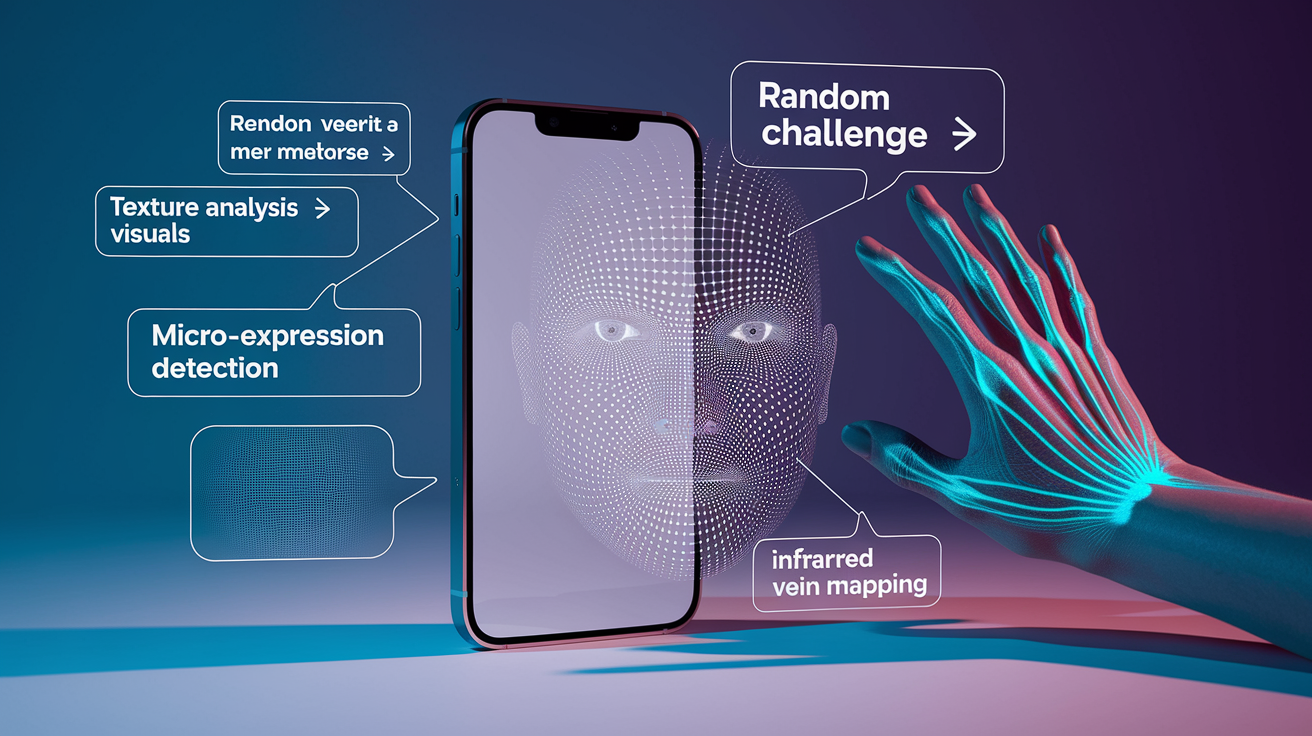
Liveness detection prevents attackers from using photos, masks, recordings, or deepfake videos to spoof biometric systems. Passive liveness algorithms analyze texture, lighting, and micro-movements in a single image or short video clip, detecting inconsistencies that reveal printed photos or screen replays. Active liveness requires the user to perform a random challenge: blink, smile, turn your head, or speak a phrase that a static image or pre-recorded video can’t replicate. Depth sensing and infrared scanning add physical measurements that flat images and masks can’t reproduce. Advanced systems combine multiple liveness signals to resist sophisticated attacks, including 3D-printed masks and AI-generated deepfakes.
Five common liveness techniques used in banking apps:
- Depth and 3D mapping: Structured-light or time-of-flight sensors project infrared patterns onto the face and measure contour depth, distinguishing a real face from a photo or screen.
- Texture analysis: Machine-learning models examine skin texture, pores, and reflections to detect paper, plastic, or screen surfaces.
- Motion and micro-expression detection: Algorithms track involuntary micro-movements (eye saccades, subtle head motion, pulse detection in facial blood vessels) that static images can’t reproduce.
- Challenge-response: The app prompts the user to blink, nod, smile, or speak a random word, verifying that the input is live and responsive.
- Infrared vein mapping: For palm or finger authentication, infrared cameras capture the unique vein pattern beneath the skin, which can’t be copied from a surface image.
Multi-factor authentication layers biometrics with other verification methods to protect high-risk actions. A common flow requires FaceID or fingerprint to log into the app, then adds an SMS one-time password or push notification approval for payments above a threshold, often $500 or $1,000. This design makes sure that even if an attacker bypasses the biometric check, they still need access to the customer’s phone number or registered device. Cryptographic bindings tie biometric verification to the release of private keys used for transaction signing, so that approving a transfer requires both a successful biometric match and possession of the device-specific key.
Vulnerabilities and Failure Points in Biometric Logins
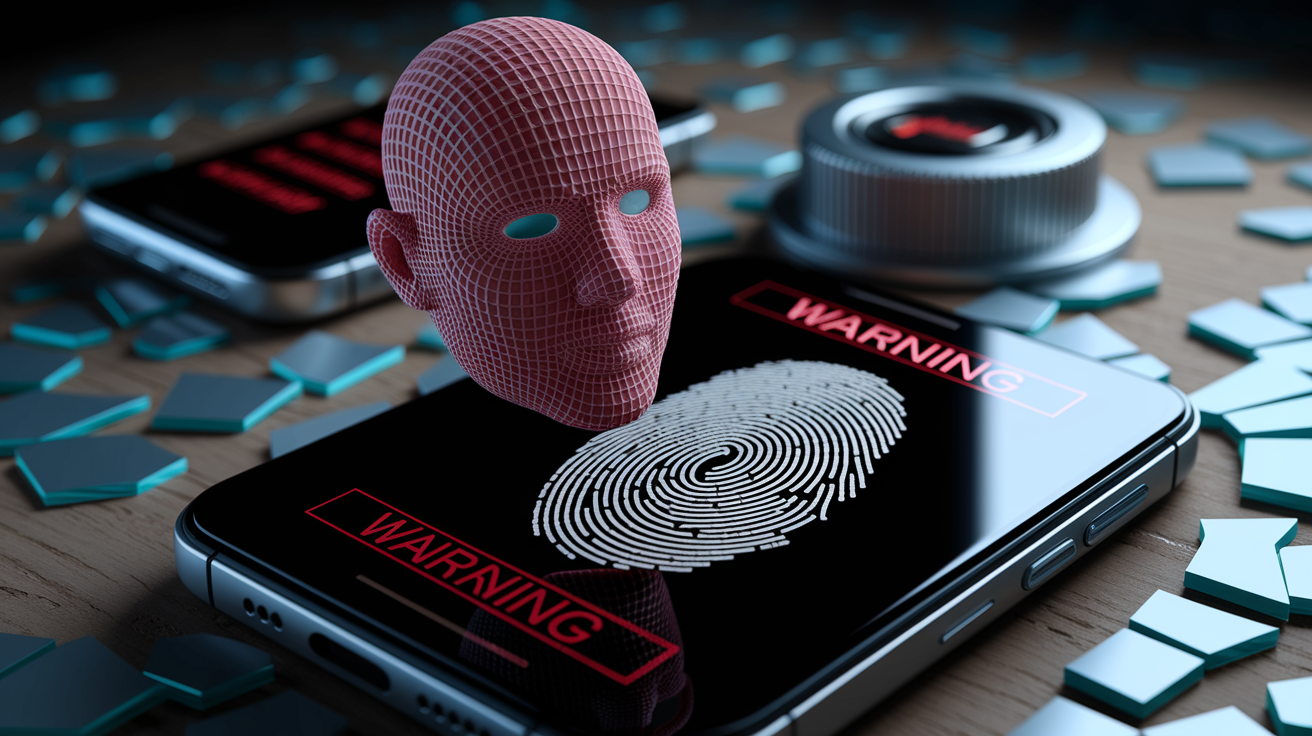
Spoofing remains the most visible risk. High-resolution photos, 3D-printed masks, and deepfake videos can fool facial-recognition systems that lack robust liveness detection. Replay attacks use recorded voice samples to bypass voice authentication in call centers. Fingerprint sensors can be tricked with lifted prints or gelatin molds, though modern capacitive sensors and anti-spoof coatings reduce this risk. Banks mitigate spoofing by requiring liveness checks, combining biometric methods, and applying risk scoring that flags unusual login locations, devices, or transaction patterns.
Device PIN compromise undermines device-bound biometrics. If an attacker learns your phone’s unlock code or gains temporary physical access to your unlocked device, they can enroll their own face or fingerprint in the phone’s settings, then authenticate to the banking app as if they were you. This vulnerability is why banks limit device-bound biometrics to low-risk actions and require server-side matching or additional factors for account changes and large transfers.
Four key mitigations address biometric vulnerabilities:
- Liveness and anti-spoofing layers: Deploy active challenges, depth sensing, and AI-driven deepfake detection to block photos, masks, and synthetic media.
- Server-side matching for high-risk actions: Compare live scans to KYC templates stored in the bank’s identity database, proving inherence rather than device possession.
- Behavioral and contextual risk scoring: Monitor login location, device fingerprint, transaction velocity, and navigation patterns; flag anomalies and step up authentication when risk signals spike.
- Template re-enrollment and expiration: Require periodic re-capture of biometric samples to account for aging, changes in appearance, and sensor drift; set template lifetimes to limit the window of exposure if a template is stolen.
Backup, Recovery, and Fallback Authentication Methods
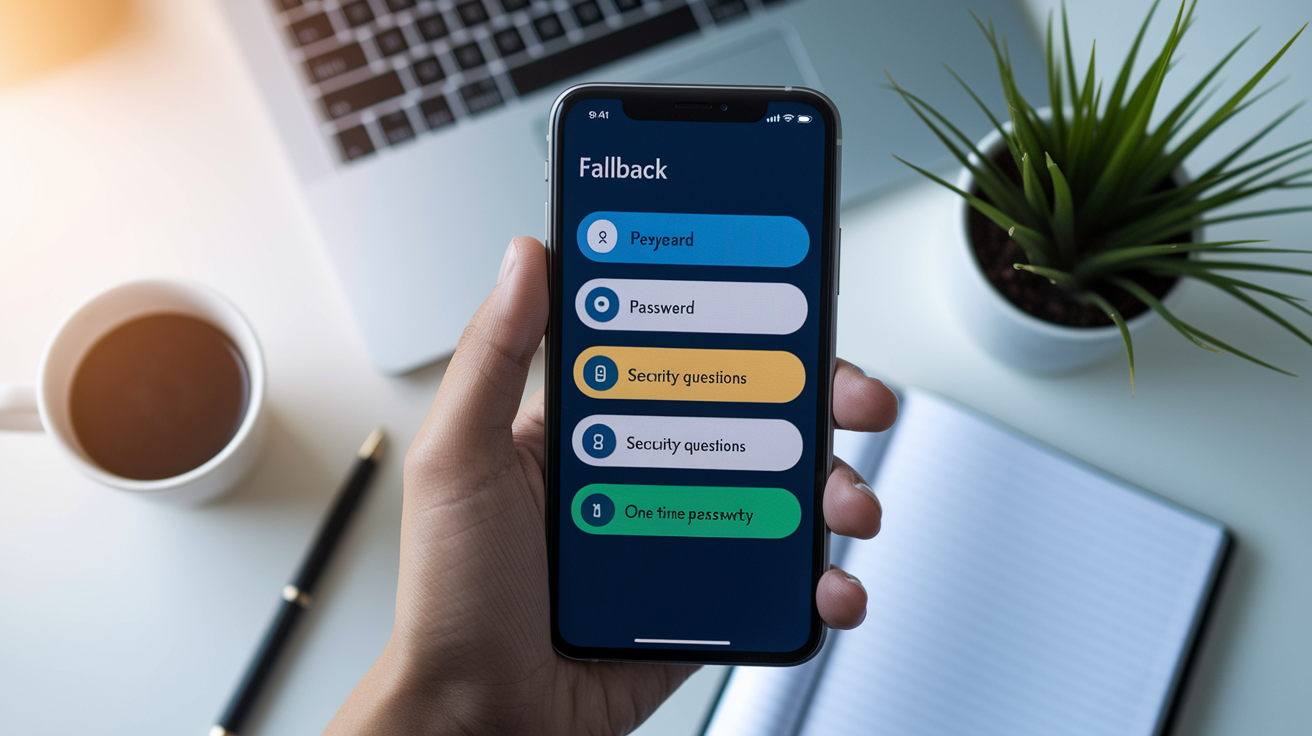
Every banking app that supports biometric login must provide fallback methods for users who can’t or won’t enroll biometrics. Common fallbacks include PIN, password, security questions, and SMS or email one-time passwords. Regulatory guidance and accessibility standards require that biometric authentication remain optional and that the fallback path deliver equivalent security and functionality. Users who disable biometrics or whose biometric scans repeatedly fail must still be able to log in, view balances, transfer money, and access all app features.
Three UX considerations shape fallback design:
- Clear enrollment prompts and opt-out: The app explains what biometric data will be captured, how it’ll be stored, and how to disable the feature. Users must give explicit consent before enrollment and must be able to delete stored templates at any time.
- Automatic fallback after repeated failures: If a fingerprint or face scan fails three times in a row, the app automatically offers the PIN or password input screen, preventing lockouts and reducing frustration.
- Accessibility testing for diverse populations: Biometric systems are tested with users of different ages, skin tones, physical abilities, and device models to make sure that accuracy and usability don’t degrade for any group. When gaps are found, fallback options and alternative authentication methods are prominently offered.
Regulators expect banks to document fallback procedures in privacy policies and user agreements, making sure that customers understand their rights and can exercise control over biometric data. Banks that fail to provide accessible alternatives or that make fallback paths significantly harder to use risk non-compliance with disability and consumer-protection laws.
Privacy, Consent, and Regulatory Compliance for Biometrics
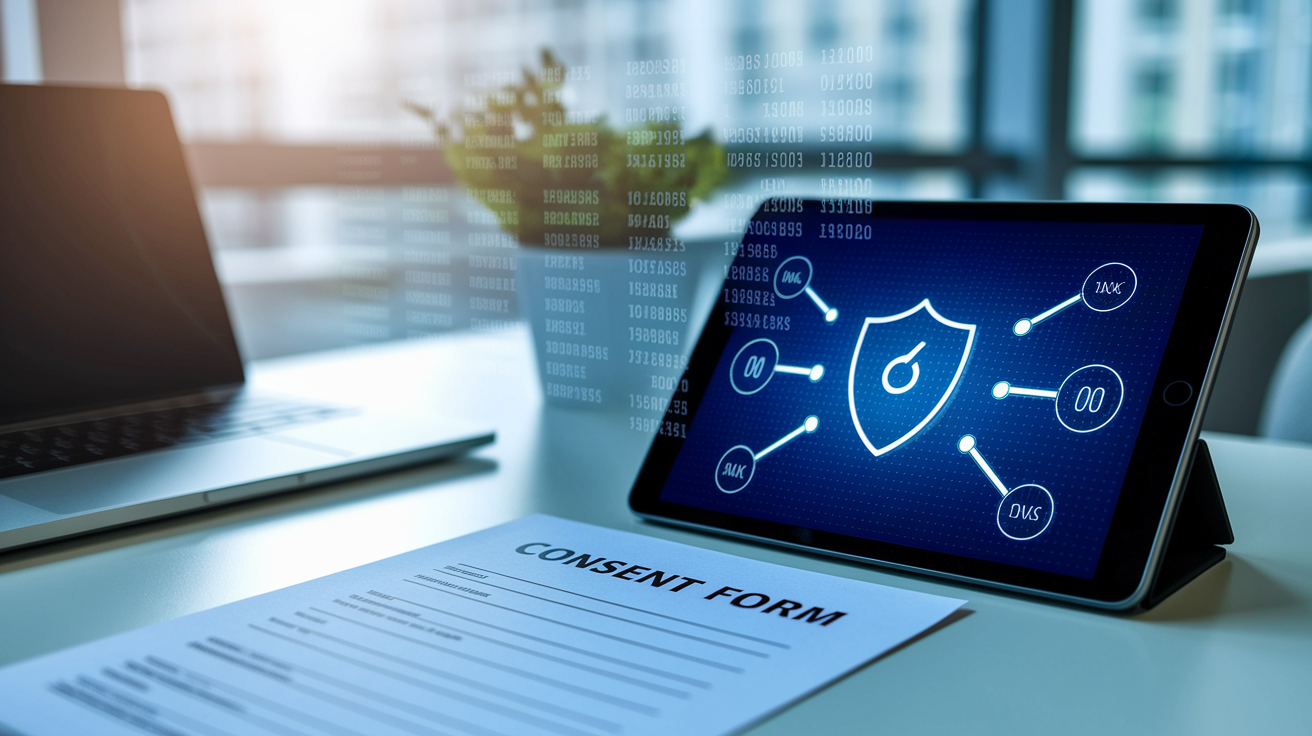
Biometric data is classified as sensitive personal information under most privacy regimes, including GDPR, CCPA, and national banking regulations. Banks must obtain explicit, informed consent before collecting biometric samples, clearly describing the purpose, storage location, retention period, and sharing practices. Consent forms must be separate from general terms-of-service agreements and must allow users to decline biometric enrollment without losing access to core banking services. If a customer withdraws consent, the bank must delete all stored templates and biometric-derived keys within a defined timeframe, typically 30 to 90 days.
Data minimization and purpose limitation require that banks collect only the biometric data necessary for authentication and use it solely for that purpose. Storing raw images or recordings is discouraged. Best practice is to convert samples into non-reversible templates immediately at capture, then discard the original data. Templates themselves are encrypted and access-logged, with usage restricted to authentication engines and fraud-prevention systems. Sharing biometric data with third parties (such as cloud infrastructure providers or identity-verification vendors) requires additional consent, data-processing agreements, and security controls that meet the bank’s standards.
Four privacy-preserving approaches reduce risk and improve compliance:
- On-device processing and storage: Capture, templateize, and store biometric data entirely on the user’s phone, transmitting only encrypted match results or cryptographic tokens to the server. This design keeps raw biometric traits out of centralized databases and minimizes breach exposure.
- Decentralized key-pair architecture: Generate a private key from the biometric and device, store the private key on the device, and store only the corresponding public key on the server. Authentication requires the device to sign a challenge using the private key; the server verifies the signature without ever seeing the biometric or private key.
- Homomorphic encryption and secure multi-party computation: Encrypt biometric templates in a way that allows matching to occur on encrypted data, so that the authentication server never decrypts the template. This technique is computationally expensive but eliminates the need to expose templates in plaintext.
- Template hashing and salting: Hash templates using cryptographic hash functions combined with device-specific salts, making it infeasible to reverse-engineer the original biometric from the stored hash. This method is effective for server-side storage but requires careful management of hash algorithms and salts to prevent collision and rainbow-table attacks.
Real-World Bank Implementations of Biometric Login
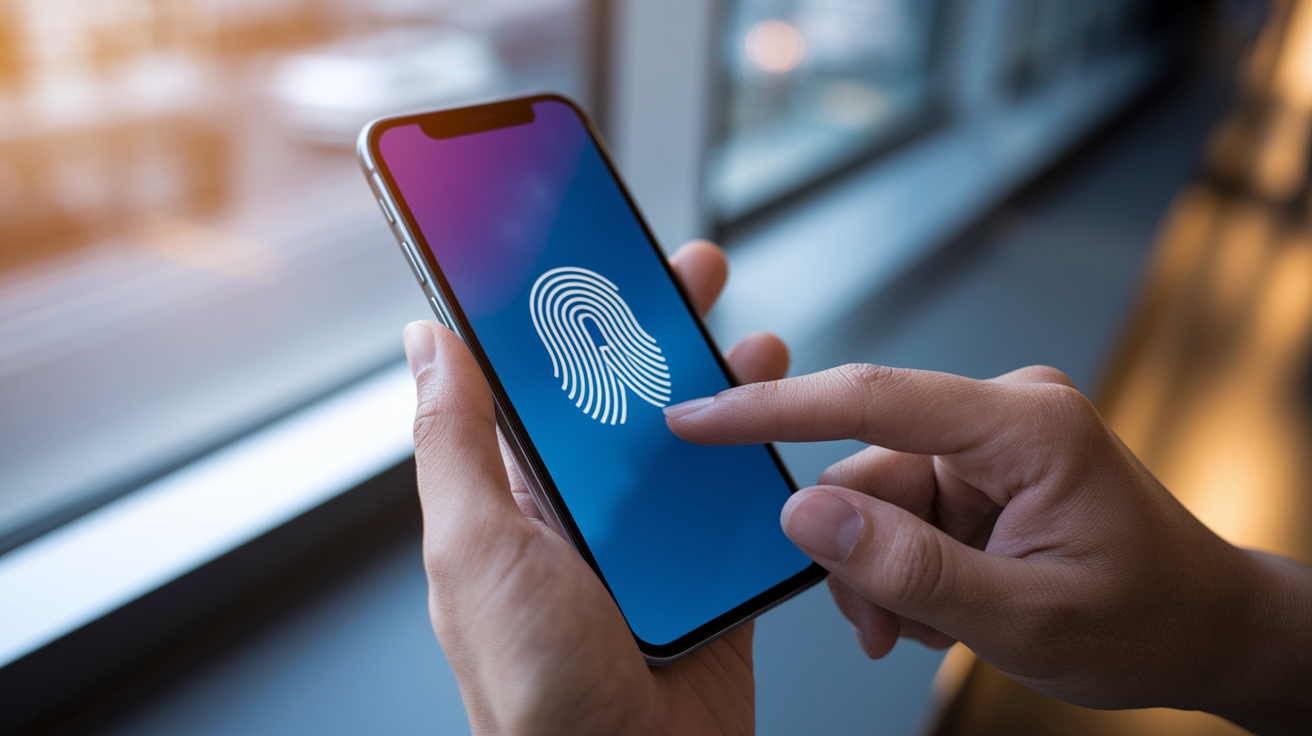
A major U.S. bank embedded fingerprint and facial recognition into its mobile app, letting customers log in with a tap or glance instead of typing a password. The same biometric verification is required to approve high-value transfers and account-setting changes, making sure that even if a password is compromised, an attacker can’t move money without the customer’s live biometric. The bank reported a drop in login friction, faster onboarding for new mobile users, and measurable reductions in account-takeover fraud. Customer education focused on explaining that biometric data stays on the phone and is never shared with the bank’s servers, addressing privacy concerns that surfaced during early pilots.
Other banks have tested biometric access in physical channels. One institution piloted facial recognition for stadium entry and event payments, capturing fans’ selfies during ticket purchase and using the same face scan to authorize concessions at point-of-sale terminals. ATM deployments have incorporated iris scanning and palm-vein recognition for high-assurance withdrawals, especially in markets where card skimming and PIN theft are common. Call centers use voice biometrics to verify caller identity, replacing security questions and reducing average handle time by 30 to 45 seconds per call.
Customer communication strategies for biometric rollouts include three core elements:
- In-app tutorials and FAQs: Step-by-step guides show users how to enroll, what data is collected, how to disable the feature, and where templates are stored. Visual walkthroughs reduce support calls and improve enrollment rates.
- Privacy transparency and control dashboards: Apps provide a dedicated biometric-settings screen where users can view enrolled traits, see the last authentication timestamp, review consent status, and delete templates with a single tap.
- Proactive fraud and security messaging: Banks send notifications when a new biometric is enrolled, when a device PIN is changed, or when a login occurs from an unrecognized device, giving customers immediate visibility into account activity and the opportunity to report unauthorized access.
Future Trends in Biometric Authentication for Banking
Decentralized identity and blockchain-based wallets are shifting biometric credentials from bank-controlled databases to user-controlled digital wallets. In this model, the customer’s biometric template and derived cryptographic keys are stored in a self-sovereign identity wallet on their phone or in a distributed ledger. When logging into a banking app, the wallet presents a verifiable credential signed by the customer’s biometric key, and the bank confirms the signature without ever storing or seeing the underlying biometric data. This architecture reduces the bank’s liability for template breaches, gives customers control over who accesses their biometric identity, and enables interoperability across banks, government services, and third-party apps. Early pilots are testing decentralized identity for account opening and cross-border payments, where KYC data and biometric proofs can be reused without re-enrollment.
Biometric cryptography (also called fuzzy cryptography or biometric key binding) directly ties cryptographic keys to biometric inputs without storing the biometric template. During enrollment, the system generates a cryptographic key from the user’s biometric sample and a random seed. The key is used to encrypt data or sign transactions. At authentication, the user provides a fresh biometric scan, and the system reconstructs the key only if the new scan sufficiently matches the enrollment sample. Because the key is never stored and the template is not retained, even a complete server breach reveals no usable biometric data. Federated learning complements this approach by training biometric models on user devices and aggregating only model updates (never raw samples) into a shared global model. This technique improves accuracy and personalization while preserving privacy, as individual face scans and fingerprints remain on-device.
Three future multimodal enhancements will strengthen biometric authentication in banking:
- Continuous multimodal fusion: Combine facial recognition, behavioral analytics, and voice biometrics in a single session, updating risk scores in real time as the user navigates the app, speaks to customer service, or initiates transactions. Continuous verification reduces reliance on single login checkpoints and detects session hijacking or account takeover mid-session.
- Post-quantum-resistant biometric cryptography: Adapt biometric key-binding schemes to use lattice-based or hash-based cryptographic algorithms that resist attacks from quantum computers, protecting long-term identity assets as quantum computing advances.
- AI-enhanced liveness and deepfake detection: Deploy generative-adversarial networks and anomaly-detection models trained on millions of spoofing attempts, enabling biometric systems to recognize novel attack vectors (such as hyper-realistic deepfakes) without manual rule updates.
Final Words
We jumped straight into the workflow: enrollment, template creation, capture methods, matching, secure storage, device vs server tradeoffs, security checks, fallback flows, privacy, real bank examples, and future trends.
Bottom line: biometrics turn a scan into a math template, use match scores and liveness checks, and pair with MFA and recovery options to cut risk.
If you still wonder how do biometric logins work in banking apps, the short answer is: capture → template → match with thresholds and fallbacks. It’s a practical step that makes banking easier and safer.
FAQ
Q: What are the disadvantages or negatives of biometric unlock?
A: The disadvantages of biometric unlock include false accepts or rejects, sensor failure in poor conditions, unchangeable identifiers if breached, potential enrollment abuse or device PIN bypass, privacy concerns, and limited accessibility for some users.
Q: How do I use biometrics on my bank app?
A: You use biometrics on your bank app by enabling biometric login in the app, enrolling your fingerprint or face on your device, completing one identity check, and keeping a secure fallback PIN or OTP for recovery.
Q: Is it safe to enroll in biometric to protect my bank account?
A: Enrolling in biometrics to protect your bank account is generally safe if the app stores templates locally, uses liveness checks and MFA; still keep your device updated, use a strong PIN, and know biometrics can’t be changed if compromised.
